Activity #6 Getting Started with Angular
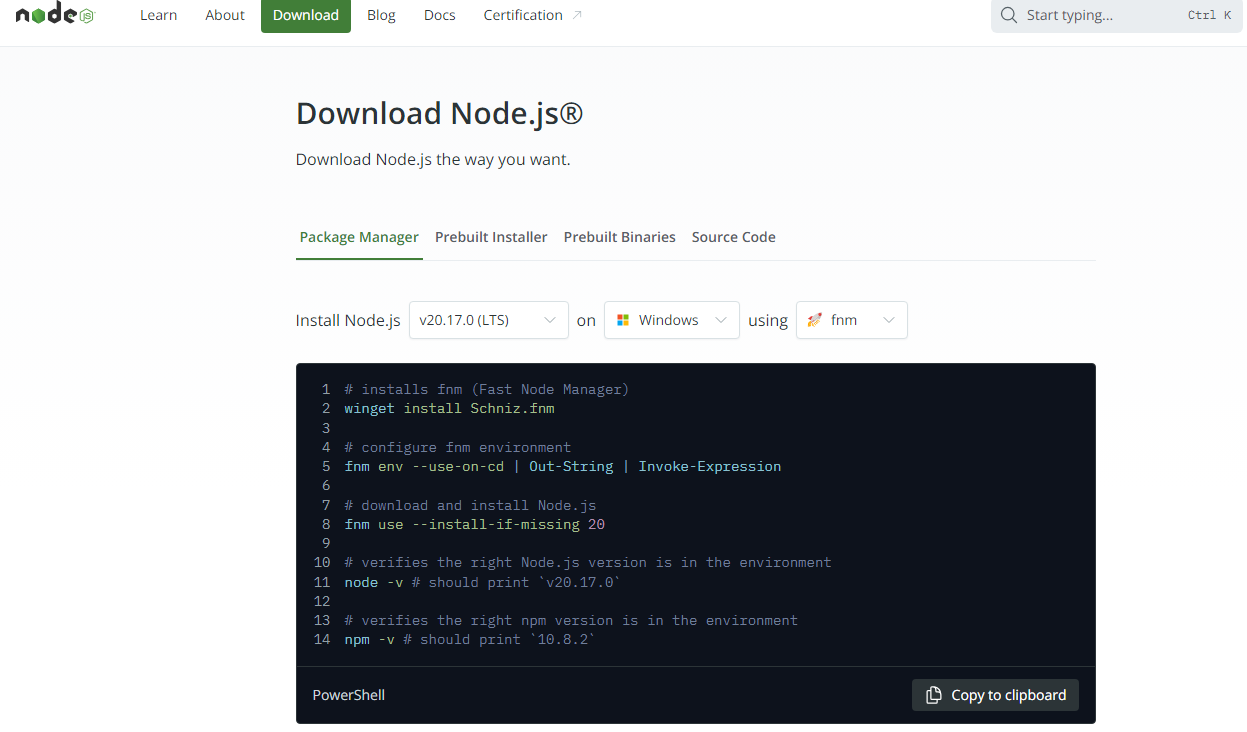
1. Step 1 Download Node.js
2. Install Angular CLI:
Open your terminal or command prompt and run

3.Step 3: Serve Your Application
Generate a New Angular Project:
In your terminal, navigate to the directory where you want to create your project, then run
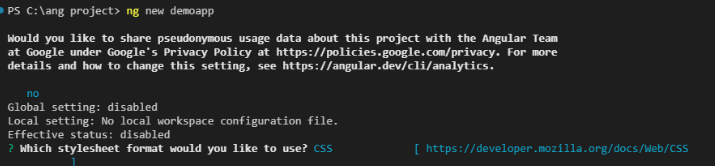
Follow the prompts. You can choose the default options or customize them as needed.
Navigate to Your Project Directory:Once the project is created, navigate into the project directory

4. Serve Your Application
Run the following command to start the Angular development server
ng serve
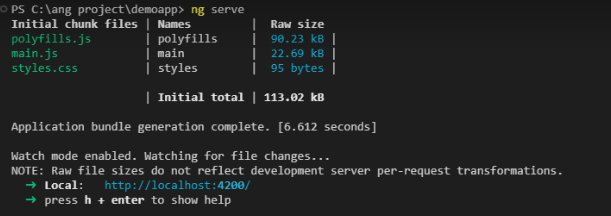
Open your browser and navigate to http://localhost:4200. You should see the default Angular welcome page.
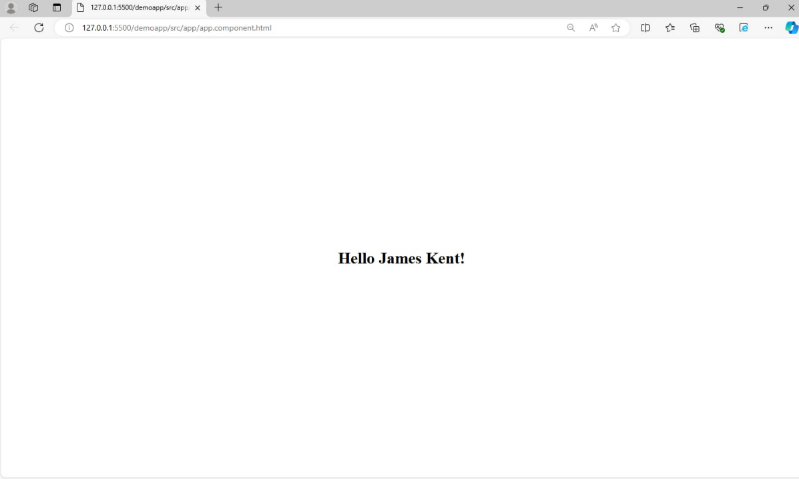
5. Modify the Application to Display “Hello + James Kent”
###